
How to use this Instagram text style
Bold Unicode looks like bold formatting, but it uses different characters. Try it on a label or headline and keep longer descriptions in plain text. Check the pasted version on your device before saving.
- Enter your own text or select an example.
- Choose a style and check the profile preview.
- Copy the result and paste it into the field you want to update.
Why can styled text look different on another device?
These styles use Unicode characters. Rendering depends on the fonts installed on each device. Keep essential information readable in plain text and use decorative letters for short phrases.
Which bold Instagram font should you use?
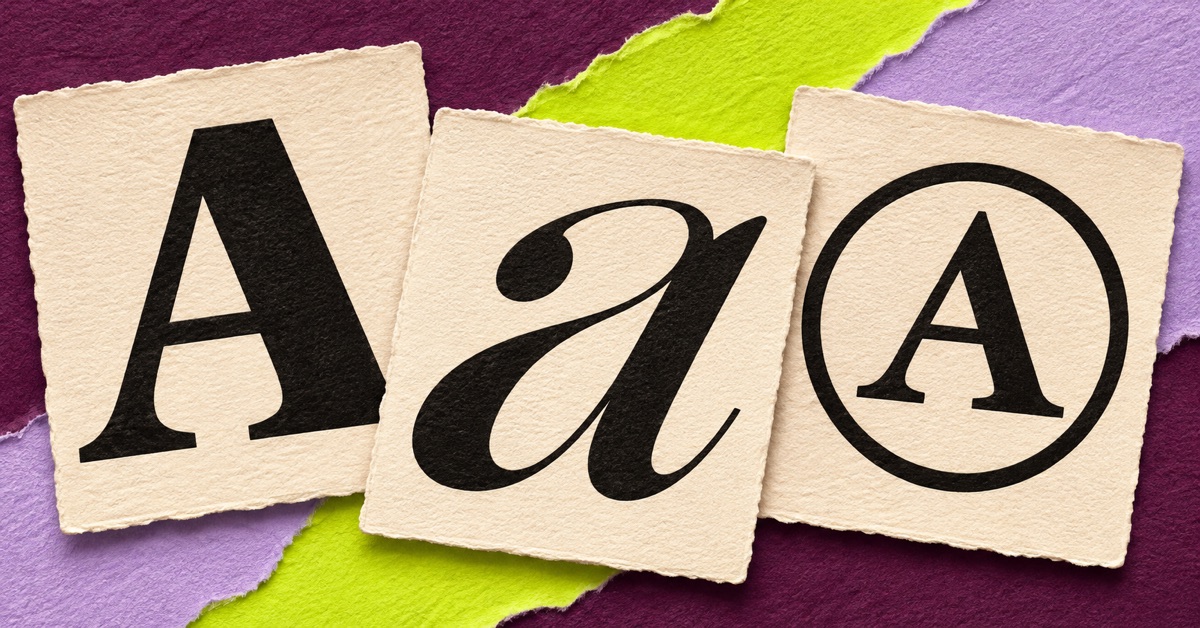
Bold sans looks direct and works well for short labels such as “New prints” or “Bookings open.” Bold serif has visible strokes at the ends of its letters and can suit a bookish, editorial or formal profile. Bold italic gives a phrase emphasis and is easiest to read in small amounts.
Examples for bios, names and captions
- Bio label: 𝗣𝗵𝗼𝘁𝗼𝗴𝗿𝗮𝗽𝗵𝘆 · Pune
- Display name: 𝐌𝐢𝐫𝐚 𝐒𝐡𝐚𝐡
- Caption opening: 𝗡𝗲𝘄 𝗽𝗿𝗶𝗻𝘁𝘀 are available this weekend.
- Short emphasis: 𝑩𝒐𝒐𝒌𝒊𝒏𝒈𝒔 open for June.
- Event label: 𝗦𝘂𝗻𝗱𝗮𝘆 𝗗𝗿𝗮𝘄𝗶𝗻𝗴 𝗖𝗹𝘂𝗯
How copy-and-paste bold text works
The generator replaces supported letters with Unicode characters that look bold. Your copied result carries those characters into the profile or caption. Some styles transform digits while others leave them unchanged. The preview lets you check which characters changed before copying.
Should a caption be entirely bold?
Use bold to mark the topic or key detail. Keep longer text, links, and contact details in plain letters. Screen readers and different devices may handle decorative Unicode differently. If a character appears as a square, try another style or return to the original text.
Use a bold word as the opening of your bio with the Instagram bio builder. To compare bold with script and small caps, try the full Instagram font generator.